 About Leveller 5.0
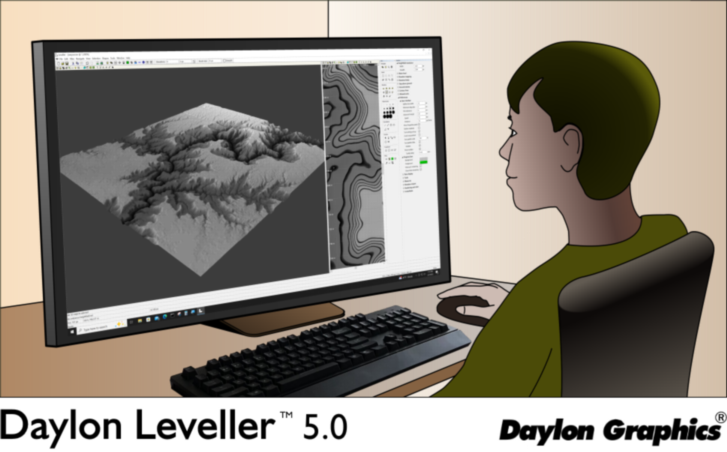
What's new?
- Heightfield layers are supported for non-destructive editing (video).
- Several raster selection tools support feathering options.
- Rubberstamp (Clone) tool allows source heightfield to be from a different layer than the one being modified.
- Three-Point Selection tool added; makes selecting angled rectangular areas easier.
- Polygonal Selection tool works and previews on scene pane.
- Clone and Restoration brush tools support Shift key to draw straight lines.
- Scene pane can show relative (cut/fill) colormaps with contour lines at screen resolution.
- Slopes can be reported on secondary status bar.
- Selection, Select Work Area command added.
- Selection, Move command added, lets raster selection (or just its marquee) be moved numerically.
- Raster selection transform tool shows moveable rotation pivot.
- "Check Document" command added to help validate document integrity.
- Commands added to accessing, back up, and restore the user data folder.
You may first need to install the Microsoft Visual C++ 2022 redistributable package. Once installed, the redistributable can be kept up-to-date via Windows Update.
Upgrades from Leveller 4.x versions are $49.95; please use the Order page to obtain.
If I upgrade, can I run Leveller 4.4 (or earlier) alongside 5.0?
Yes, each version of Leveller uses its own installation and user data directories. The Leveller 5.0 document format is different, however, so files saved in Leveller 5.0 cannot be opened by older versions.